Getting Access
Step 1: Login or Sign Up to Qualcomm Software Center
Log in to Qualcomm Software Center with your Qualcomm account. If you don't have an account use the link on the Login page to create one.
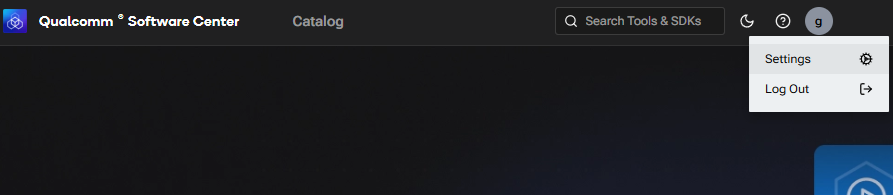
Step 2: Navigate to the API Key settings page
Locate and select the User Settings section within your account. From there, navigate to the API Keys tab.
Step 3: Generate API key
Once in the API Keys section, click on the "Generate" button to initiate the creation of a new API Key.
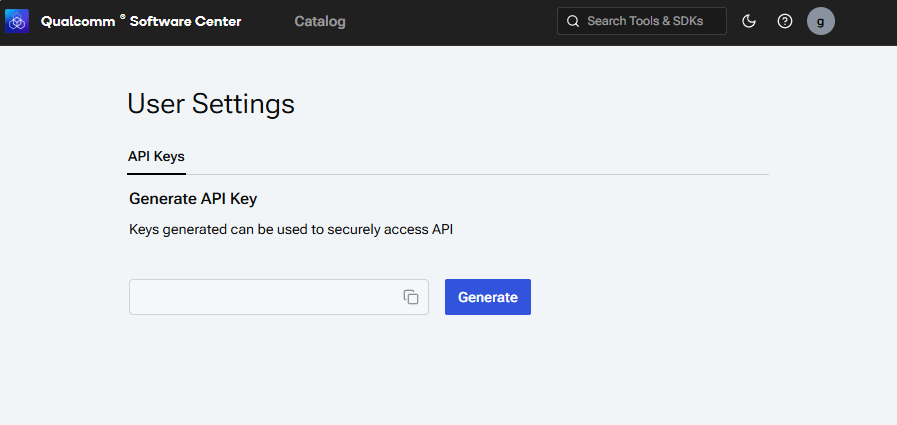
Step 4: Copy the API-Key
Once the key has been generated, click the copy icon next to it to copy it to the clipboard.
For the usage of API Key, refer to Getting Started.